
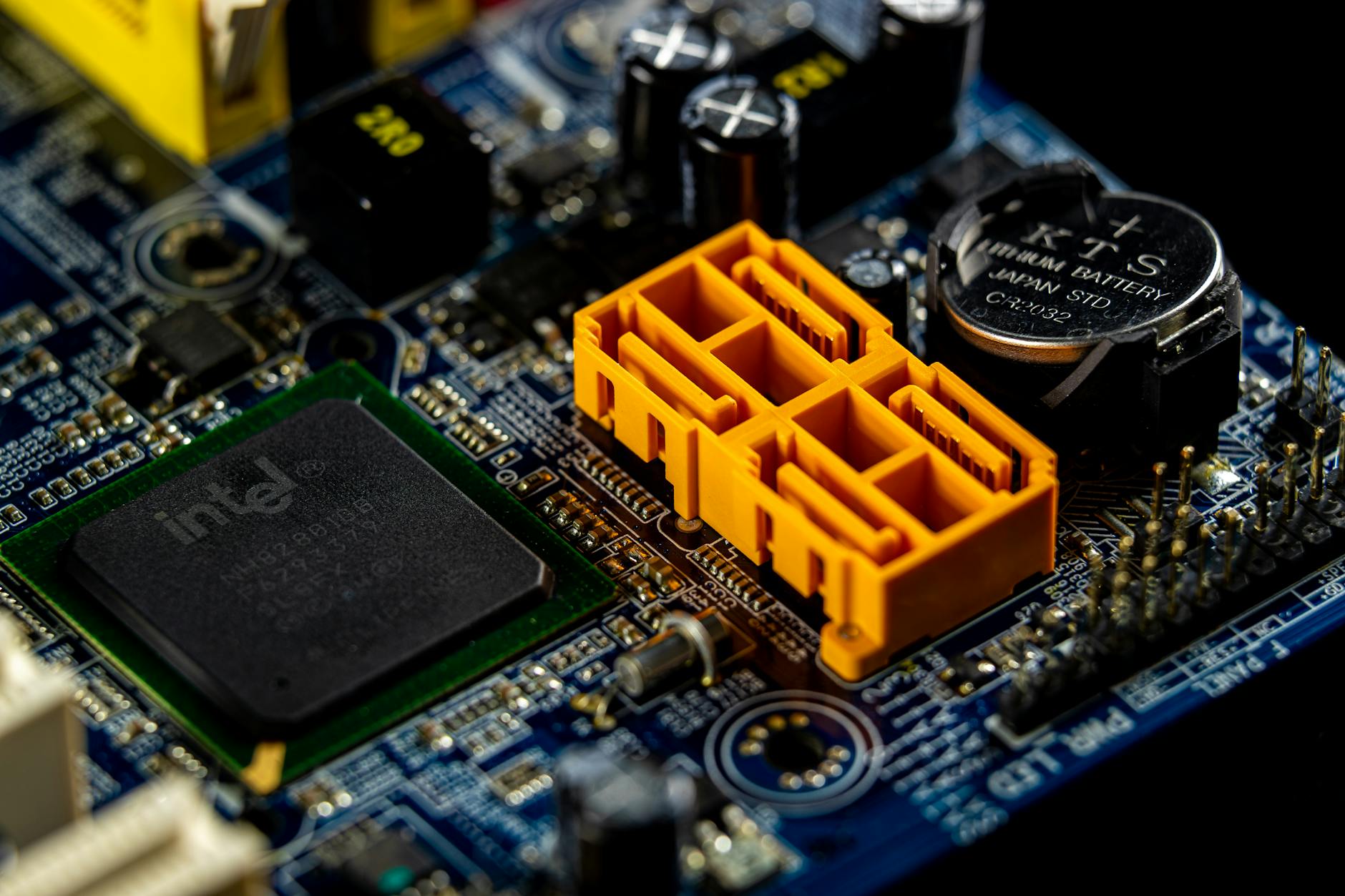
Intel Core Ultra 5 250K Plus Review: Is It the Best $200 Gaming CPU in 2026?
This Intel Core Ultra 5 250K Plus review answers the question every budget builder is asking right now: is Intel’s new $199 chip actually better than the Ryzen 5 9600X, or just competitive on paper? For the past year, AMD’s Ryzen 5 9600X at $189 has been the obvious answer at this price — smart architecture, great gaming performance, and a platform (AM5) with a long runway ahead. It was, frankly, a hard chip to argue against.
Today, Intel is trying to change that conversation. The Intel Core Ultra 5 250K Plus launches at $199 — a dollar more than the 9600X — and it brings a new trick Intel calls iBOT, an 18-core design with six performance cores and twelve efficiency cores, and multi-threaded benchmark numbers that genuinely surprised us during testing. Whether all of that translates into a better gaming CPU depends entirely on what you are actually doing with the machine.
Let us get into it.
Specs at a Glance: 250K Plus vs Ryzen 5 9600X
Before the benchmarks, here is how the two chips compare on paper.
| Spec | Intel Core Ultra 5 250K Plus | AMD Ryzen 5 9600X |
|---|---|---|
| Architecture | Arrow Lake (Lion Cove P-cores + Skymont E-cores) | Zen 5 |
| Core / Thread Count | 18 total (6P + 12E) | 6C / 12T |
| Boost Clock | 5.3 GHz (P-core) | 5.4 GHz |
| L3 Cache | 30 MB | 32 MB |
| TDP | 125W (MTP 159W) | 65W (105W extended mode) |
| Official DDR5 Support | DDR5-7200 | DDR5-5600 |
| Socket | LGA1851 | AM5 |
| MSRP | $199 | $189 |
| Platform Future | LGA1851 end-of-life ~2027 | AM5 supported through 2027+ |
The core count disparity is the first thing that jumps out — 18 cores versus 6. But raw core count does not tell the whole story, especially in gaming. The more interesting number is that 5.3 GHz P-core boost against the 9600X’s 5.4 GHz, which tells you these two chips are operating in very similar territory on single-threaded work. Where they diverge massively is everything else.
The iBOT Advantage — What It Is, What It Actually Does
Intel’s headline feature for the 250K Plus refresh is the Intel Binary Optimization Tool (iBOT). The concept is genuinely interesting: iBOT re-optimizes game executables at the CPU level, at runtime, without requiring developers to ship a single update. Intel claims an average 13% gaming improvement over the standard 245K as a result.
The honest assessment? iBOT works, but it does not work equally everywhere.
In Intel’s own curated benchmark suite, the results are real. Rainbow Six Siege showed some of the largest gains — the 250K Plus ran roughly 8% faster than even the more expensive Core Ultra 7 265K in that title, which is a remarkable result. When iBOT clicks with a game’s code, the improvement is tangible.
The caveat is that iBOT’s benefits are heavily title-specific. Independent reviewers across Tom’s Hardware, TechSpot, and PC Gamer found gains ranging from meaningful to nearly invisible depending on the game. Do not buy this chip expecting a blanket 13% boost in your current game library. The more realistic expectation is: some games get noticeably faster, many games see modest improvement, and a few see almost nothing.
That inconsistency is worth naming plainly, because Intel’s marketing leans hard on the highlight reel. The broader picture is that iBOT is a genuinely useful technology in its early form — one that should improve as Intel expands its game compatibility list — but it’s not yet a reliable, across-the-board differentiator at the $200 price point.
Benchmark Results
Multi-Threaded Productivity — Where the 250K Plus Runs Away
In this Intel Core Ultra 5 250K Plus review, we ran the chip through a full battery of multi-threaded and gaming benchmarks — and the productivity numbers are where the chip’s 18-core design stops being an abstract spec and starts being a real argument.
- Cinebench 2026 nT: 7,406 pts — 85% faster than the Ryzen 5 9600X, 27% faster than Intel’s own 14600K
- Cinebench 2024 nT: 25% faster than the Core Ultra 5 245K; 91% faster than the Ryzen 5 9600X
- Blender: 86% faster than the Ryzen 5 9600X; matches the Core Ultra 7 265K
That last point deserves emphasis: in Blender, a $199 chip is trading blows with a chip that costs roughly twice as much. If you do any video rendering, 3D work, compiling, or heavily threaded tasks alongside gaming, nothing AMD offers under $400 comes close to this. The 250K Plus is categorically not a fair fight for the 9600X in productivity workloads.
Single-Threaded Performance and Gaming
Single-threaded performance is where the gap closes dramatically.
- Cinebench 2026 1T: 563 pts — only 2-4% faster than AMD competition
- General gaming vs Ryzen 5 9600X: Roughly comparable overall, with the outcome varying by title
In gaming benchmarks, the 250K Plus and the 9600X trade wins back and forth depending on the game. In some titles, the Intel chip pulls ahead thanks to iBOT. In others — including a few synthetic gaming workloads where the 9600X’s strong IPC and efficient architecture shine — AMD stays competitive. The 9600X at 5.4 GHz still has excellent single-threaded throughput, and Zen 5’s IPC improvements do not disappear just because Arrow Lake showed up.
The honest bottom line on gaming: these two chips are neck and neck. If gaming is literally your only workload, the $10 price gap and the longer platform story (more on that below) give the 9600X a reasonable argument.
Power and Efficiency
The TDP difference is real and worth acknowledging. The 250K Plus runs at 125W TDP with a maximum turbo power of 159W. The Ryzen 5 9600X operates at 65W by default (105W in extended mode). Intel’s chip draws more power at load — not egregiously so, but enough that you need a capable cooler (the chip ships without one) and you should expect slightly higher electricity costs over thousands of hours of use. For most gaming rigs, this is not a dealbreaker, but it’s honest information to have.
Platform Considerations — The LGA1851 Question
This is the conversation Intel would rather not have, but any honest Intel Core Ultra 5 250K Plus review has to address it — you deserve the full picture.
LGA1851 is reaching end of life. Intel’s next major architecture, Nova Lake, is expected to arrive on a new socket around late 2026 or 2027. That means if you build on LGA1851 today, there is very likely no upgrade path to next-generation Intel CPUs without swapping the motherboard. AMD’s AM5 platform, by contrast, is committed through at least 2027-2028, giving Ryzen builders a meaningful in-socket upgrade path.
The honest reassurance: For most people building right now and planning to use that system for the next 3-4 years without a CPU upgrade, this is largely a non-issue. If you buy a 250K Plus today, run it with a B860 board, and use the system hard until 2029-2030, you will get excellent performance throughout that window. The “no upgrade path” concern matters most to enthusiasts who like swapping CPUs between platform generations — if that’s not you, the platform longevity risk is overstated.
If you are the type who bought a 12th-gen board specifically to upgrade to 13th or 14th-gen later, AM5 is genuinely the safer long-term bet. If you are building once and gaming hard for three to four years, the 250K Plus’s performance advantages make it compelling regardless.
What to Pair It With: B860 Motherboard Picks
A quick note on chipset choice before we get to the board picks: the 250K Plus is a locked CPU — no overclocking. That makes B860 the correct chipset for this build. Z890 starts at $200+ and offers overclocking features and additional connectivity you simply cannot use with this chip. Do not waste money on Z890 here.
Three B860 options that cover different budgets and use cases:
Option A — Budget Pick: GIGABYTE B860 DS3H WIFI6E (~$130)
The GIGABYTE B860 DS3H WIFI6E is the value leader here. ATX form factor, three M.2 slots, PCIe 5.0 for your GPU, USB-C on the rear, WiFi 6E, and 2.5GbE networking. For a $200 CPU build, this board hits everything you need without padding the bill unnecessarily.
Option B — Mid-Range Pick: ASRock B860 Pro RS (~$140)
The ASRock B860 Pro RS steps up with a 14+1+1+1+1 phase VRM using 80A Dr.MOS components — meaningfully better power delivery if you want to run the 250K Plus in max turbo configurations for extended productivity sessions. It also supports DDR5 overclocking up to 8666 MHz and includes BIOS Flashback for easy updates without a CPU installed. The extra $10 over the GIGABYTE is worth it if you’re pushing this chip in Blender or encoding workloads.
Option C — Premium Pick: MSI B860 Gaming Plus WiFi (~$160)
The MSI B860 Gaming Plus WiFi is the enthusiast-grade B860 board. DDR5-8800+ overclocking support, M.2 Gen5 slot, PCIe 5.0 x16, Intel Killer 5G LAN, and Wi-Fi 7. If you are spending this much on a B860, you are likely pairing it with a stronger GPU and care about having the best connectivity available on the platform. Excellent board with no real weak spots.
Bonus — Compact Build Option: ASRock B860I WiFi (~$150)
Going small form factor? The ASRock B860I WiFi is a Mini-ITX LGA1851 board with WiFi 6E and DDR5 support. Solid option for an SFF gaming build around the 250K Plus.
Deal Alert: GIGABYTE B860M AORUS — Amazon Big Spring Sale
If you can act fast: the GIGABYTE B860M AORUS is currently on the Amazon Big Spring Sale at $161.99 (was $226) — saving you $64. This sale ends March 31. It is a Micro-ATX step up from the DS3H with better VRMs and AORUS build quality. Worth strongly considering if you want more headroom and the timing works out. Search for it on Amazon and grab the sale price before it expires.
Cooler Recommendation: DeepCool AK620 (~$50)
The 250K Plus does not include a cooler — unlocked CPUs never do. For this chip’s 125-159W power envelope, you want a genuine dual-tower solution. The DeepCool AK620 is the mid-range sweet spot: two 120mm fans, dual-tower heatsink, handles the 250K Plus without breaking a sweat, and will not dominate your budget. If you are building tighter on budget, the Thermalright Peerless Assassin 120 SE at ~$35 also handles this chip well and is one of the best values on Amazon right now.
Full Platform Cost: Intel vs AMD
Putting it all together so you can see the real cost delta:
| Component | Intel Platform (250K Plus) | AMD Platform (Ryzen 5 9600X) |
|---|---|---|
| CPU | Core Ultra 5 250K Plus — $199 | Ryzen 5 9600X — $189 |
| Motherboard | GIGABYTE B860 DS3H WIFI6E — $130 | MSI B650-P WiFi — $115 |
| CPU Cooler | Thermalright PA120 SE — $35 | Thermalright PA120 SE — $35 |
| Platform Total | ~$364 | ~$339 |
Intel costs roughly $25 more to get into. In exchange, you get 85-91% more multi-threaded performance. Whether that delta is worth $25 depends entirely on what you do beyond gaming — but framed that way, it is a genuinely compelling deal for anyone who creates content, streams, or does any kind of heavy computation.
Intel Core Ultra 5 250K Plus Review Verdict: Who Should Buy It?
The 250K Plus is not a simple “buy this” or “skip it” CPU. The right answer depends on what kind of builder you are.
Pure 1080p Gamer — Lean AMD
If gaming is the only thing this machine will ever do and you never stream, encode, render, or compile — the Ryzen 5 9600X at $189 remains a strong argument. You save $10 on the CPU, another $15 on the motherboard, and you get a platform with a more clearly defined upgrade path. iBOT helps in some titles but will not consistently outperform the 9600X across your game library. The AM5 platform story is better for the buyer who might drop in a Ryzen 9 9950X three years from now.
Recommendation: Ryzen 5 9600X — by a narrow margin for pure gaming.
Gamer Who Also Creates — Clear Winner
You game most evenings but you also stream on Twitch, edit videos on weekends, export Premiere projects, or run any kind of heavily threaded workload. This is where the 250K Plus argument becomes clear and compelling. An 86% Blender lead and the ability to match the Core Ultra 7 265K in multi-core workloads — at $199 — is extraordinary value. You are not compromising on gaming to get it either; in-game performance is competitive with the 9600X. This is the best $200 CPU for anyone in this category, and it is not close.
Recommendation: Intel Core Ultra 5 250K Plus — easily, and with confidence.
Budget Workstation Builder — No Contest
Running a home office machine, compiling code, doing data processing, running local AI models, or handling anything compute-intensive on a tight budget? The 250K Plus obliterates every AMD option under $400 in multi-threaded throughput. Nothing AMD makes under that price point touches its Blender or Cinebench nT numbers. Pair it with the ASRock B860 Pro RS for solid VRM headroom and you have a genuinely capable workstation for well under $400 total.
Recommendation: Intel Core Ultra 5 250K Plus — by a very wide margin.
Final Thoughts
Our Intel Core Ultra 5 250K Plus review puts this chip in a nuanced but ultimately positive position. Intel needed a win at the entry level, and the 250K Plus delivers one — just not the sweeping, uncomplicated win that “13% gaming uplift” marketing might imply. iBOT is a real technology with real benefits in select titles. The multi-threaded performance is genuinely astonishing for $199. The platform has its limitations, but for a 3-4 year build, those limitations are manageable.
The best-case framing is accurate: this is the best $200 CPU in 2026 for anyone who does more than just game. For the pure gamer who wants maximum simplicity and long-term platform flexibility, the Ryzen 5 9600X still has a case. That is a more honest way to sell this chip than Intel’s own marketing does — and it is still a strong recommendation for the majority of builders who mix gaming with any other workload.
Frequently Asked Questions
Is the Intel Core Ultra 5 250K Plus good for gaming?
Yes, the 250K Plus is a capable gaming CPU, but it is not a clear-cut winner over the Ryzen 5 9600X at $199. The two chips trade benchmark wins depending on the game. Where the 250K Plus stands out is in titles that benefit from iBOT, Intel’s binary optimization technology, which delivers measurable — though inconsistent — gains across the game library. For pure gaming on a budget, the 9600X remains competitive. For gaming plus any creative or productivity work, the 250K Plus wins easily.
Does the Intel Core Ultra 5 250K Plus come with a cooler?
No. Like most unlocked Intel CPUs, the 250K Plus does not include a cooler in the box. Given its 125W TDP (159W maximum turbo power), you need at minimum a capable 120mm tower cooler. We recommend the DeepCool AK620 (~$50) as the performance sweet spot, or the Thermalright Peerless Assassin 120 SE (~$35) as a proven budget alternative that still handles the chip well under sustained load.
What chipset motherboard do I need for the Intel Core Ultra 5 250K Plus?
The 250K Plus uses the LGA1851 socket and is compatible with both B860 and Z890 chipset boards. Since the 250K Plus is a locked CPU with no overclocking support, B860 is the right chipset — Z890 is designed for overclockable chips like the Core Ultra 9 285K. Save the money and put it toward GPU or storage. Our top B860 picks start at ~$130 for the GIGABYTE B860 DS3H WiFi6E.
How does the Intel Core Ultra 5 250K Plus compare to the Ryzen 5 9600X?
In gaming: neck and neck overall, with iBOT giving Intel an edge in select titles. In multi-threaded productivity: the 250K Plus wins by a massive margin — 85-91% faster in Cinebench nT, 86% faster in Blender. In platform longevity: AMD’s AM5 socket has a clearer upgrade path through 2027+, while LGA1851 is reaching end of life. In cost: Intel’s platform runs ~$25 more. The bottom line — for gaming only, the 9600X is defensible. For gaming plus any other workload, the 250K Plus is the better buy by a significant margin.
Ready to build? Find the Intel Core Ultra 5 250K Plus on Amazon — it launches today, March 26, 2026.
Need help picking a GPU to pair with it? Check out our complete guide to building a PC in 2026 for the full component breakdown, including GPU recommendations at every budget. We also have our full breakdown of RX 9060 XT vs RTX 5060 — both pair excellently with this CPU in the $300-$350 GPU tier.
Ready to Build?
The Intel Core Ultra 5 250K Plus is the best $200 chip for creators and gamers alike. Check current pricing and availability on Amazon — and pair it with our B860 board picks above to get the most out of it.
Questions about the build? Drop them in the comments below — we read and respond to every one.
Related Articles
- RX 9060 XT vs RTX 5060: The 2026 Budget GPU You Should Actually Buy
- How to Build a PC in 2026: Complete Beginner Guide
- Best Gaming CPUs Under $200 in 2026
Sudo Build covers PC hardware for builders at every level — from first-time builders to enthusiast overclockers. We test components hands-on and cut through the marketing to tell you what actually matters for your build. Visit sudo-build.com for more reviews, build guides, and hardware comparisons.